Unable to build plugin using official Dockerfile build failed exec: "go": executable file not found in $PATH2f7d829b56be

Viewed 211

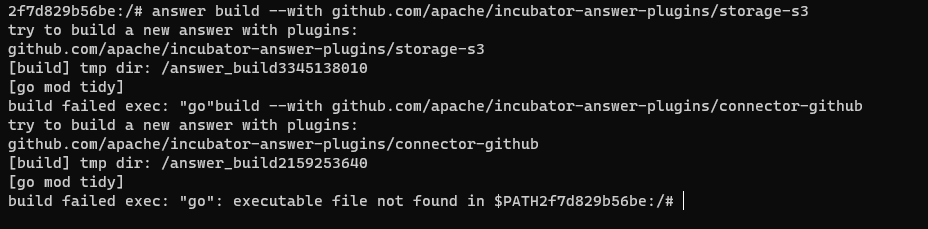
I try build plugin with command like : Document Plugin
Run command :

answer build --with github.com/apache/incubator-answer-plugins/storage-s3
answer build --with github.com/apache/incubator-answer-plugins/connector-github

Output :

try to build a new answer with plugins:
github.com/apache/incubator-answer-plugins/storage-s3
[build] tmp dir: /answer_build3345138010
[go mod tidy]
build failed exec: "go": executable file not found in $PATH2f7d829b56be
try to build a new answer with plugins:
github.com/apache/incubator-answer-plugins/connector-github
[build] tmp dir: /answer_build2159253640
[go mod tidy]
build failed exec: "go": executable file not found in $PATH2f7d829b56be
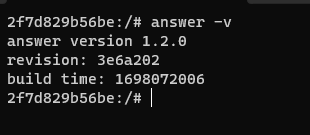
My version : v1.2.0
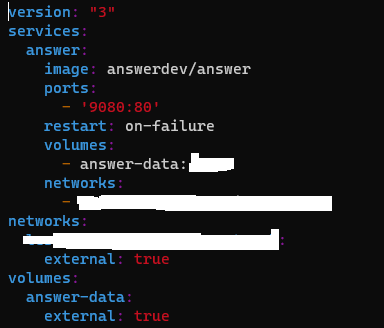
I just run docker with docker-compose :
1 Answers

This error message means you do not have a go environment. Because you are using docker, I guess that you build in the container but the container doesn't have a go environment. So you need to download the binary version and build a new Answer with plugins in your host that have a Golang and node environment. After that, you can build a new Answer docker image to replace that you are using.

It's not the version of the docker image that's the problem. If you want to build a version of answer with a plugin you need to use the binary version of answer as a base for your build. You can download it here.

BTW, Not environment variables are missing. You need the Golang and Node developing environment to compile code.

@linkinstar Yes, I build a plugin in the container but I use the official image with the newest version. What are the environment variables I'm missing? I wonder that docker version can build plugin or not .

@linkinstar
Oops, I think v1.2.0 not release and it's had some error. I will try v1.1.3, thanks for support.